
Summary
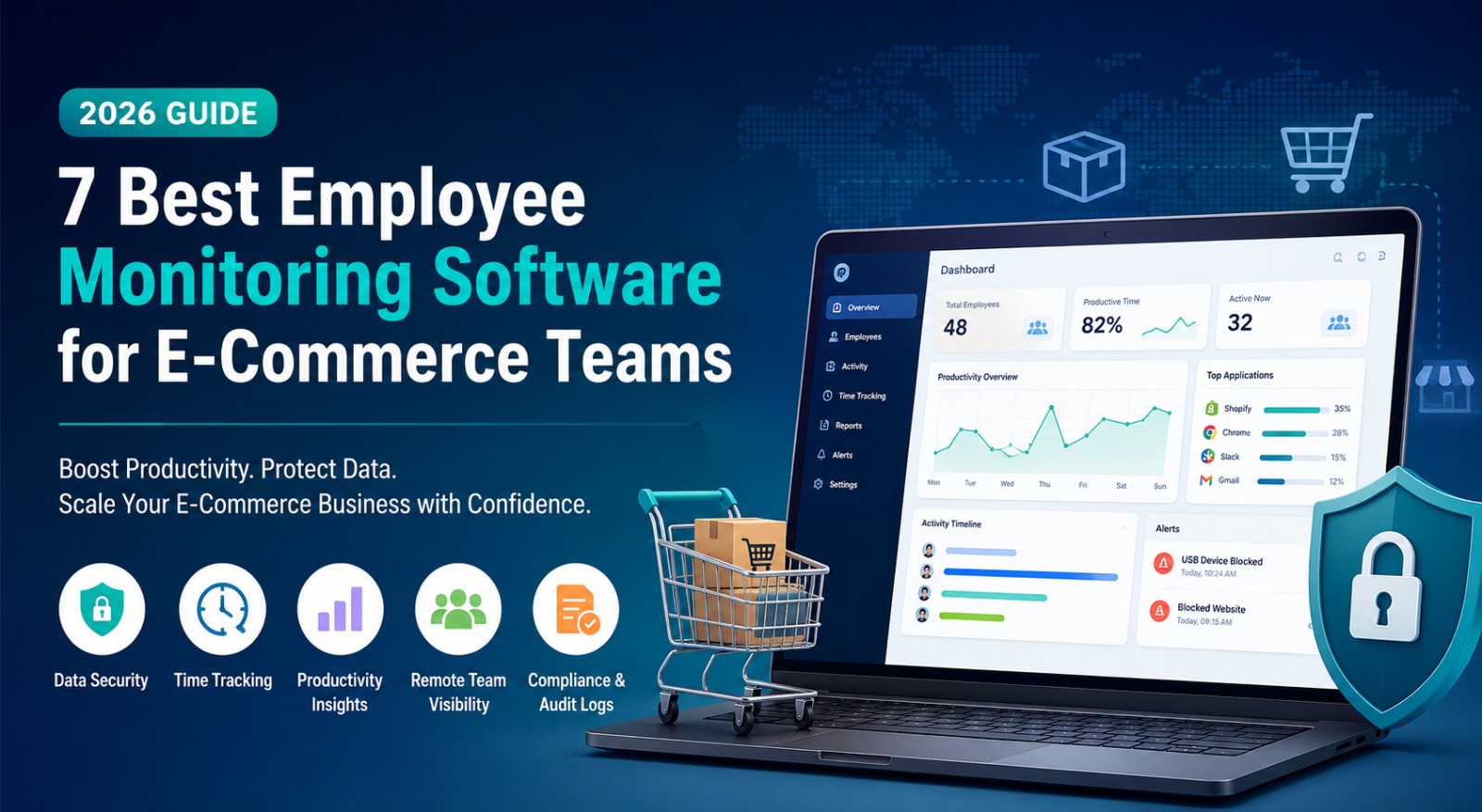
- Reviews 7 employee monitoring tools for e-commerce teams: CurrentWare, Monitask, Insightful, Kickidler, DeskTime, Time Doctor, and ActivTrak
- Gives growing Shopify teams visibility into where time goes across support, fulfillment, and remote operations
- Each tool solves a different problem, from security-first monitoring to lightweight time tracking and behavioral analytics
- Top pick is CurrentWare, pairing productivity tracking with genuine data security controls
Picture a Shopify store running support from one time zone, fulfillment from another, and marketing somewhere in between. Orders go out, tickets get answered, but nobody knows where the hours are going or whether the people touching customer payment data are doing it safely. That blind spot rarely gets noticed until something goes wrong.
It’s not just an e-commerce problem, either – payroll fraud and phishing scams targeting sensitive data are things HR and payroll teams have had to get sharper about spotting as attacks have grown more sophisticated. That blind spot rarely gets noticed until something goes wrong.
This is the gap employee monitoring software closes. In this post, I’ve compared seven of the best tools for e-commerce teams in 2026.
How I Evaluated These Apps
Picking software like this isn’t about chasing the highest star rating. What matters is whether it fits how a real, growing e-commerce team operates. Here’s what I weighed:
- Security depth – does it protect data, not just track hours?
- Time tracking accuracy – task-level detail, done reliably
- Remote team fit – consistent visibility regardless of location
- Customization – can rules adapt by role or department?
- Pricing sense – built for growing teams, not just enterprise budgets
- Support quality – real help when something breaks
What Is Employee Monitoring Software for E-Commerce Teams?
Employee monitoring software tracks how people spend their working hours: which tasks, which applications, and sometimes how sensitive data moves across a team. For the e-commerce industry, this is more than a simple productivity score.
A store running its own fulfillment or coordinating remote support needs two things at once: visibility into bottlenecks and confidence that customer payment details aren’t quietly leaking through an unmanaged device. The right tool covers both without becoming a surveillance exercise. Similarly, a coworking platform can help businesses manage flexible work environments and keep operations organized across different locations.
Quick Comparison Table (2026)
| App | Best For | Starting Price |
| CurrentWare | Security-conscious monitoring and workforce analytics for stores handling sensitive data | From $6/user/month (Contact sales for custom quote) |
| Time Doctor | Remote team accountability | From $6.67/user/month |
| Insightful | Workforce analytics and benchmarking | From $8/user/month |
| KeepActive | Screen recording and audit trails | From $9.99/user/month |
| DeskTime | Automatic productivity classification | From $5.95/user/month |
| Monitask | Simple, lightweight time tracking | From $6.49/user/month |
| ActivTrak | Behavioral productivity analytics | From $10/user/month |
Top 7 Employee Monitoring Software for E-Commerce Teams
1. CurrentWare
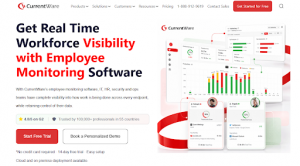
CurrentWare earns the top spot for one reason that matters more than any feature list: security isn’t an add-on here. It was baked in from the first version.
If your store is the kind that handles customer card details or fulfillment paperwork, that’s not a small distinction. It’s the difference between a tool you monitor productivity with and one you can rely on when something sensitive is on the line.
When you implement the software, it gives you productivity insights and watches what’s happening across web and app activities, with a feature to lock down USB access so nobody’s copying files onto a personal drive, blocks illegal sites, and keeps a record of which information was accessed by whom and when.
If your team is split between a warehouse floor and a kitchen table three states away, all of that lands in one dashboard instead of three different logins you have to piece together yourself.
Key Features:
- Real-time web and application activity monitoring
- USB device control and removable media management
- Website and application blocking with policy enforcement
- Audit logs built for compliance and investigations
Pros:
- Genuine security alongside productivity tracking
- One dashboard covering every location
- Useful documentation for compliance purposes
Cons:
- More depth than a two-person team will ever touch
- Initial setup takes a bit of time to configure properly
Pricing: Starting from $6/user/month and Custom, based on team size, deployment option and your need.
👉 Final Take: If your store handles anything sensitive – customer cards, supplier contracts, or fulfillment data, CurrentWare is built to protect it while still giving you the complete workforce visibility you came here for.
2. Time Doctor
Best for: Distributed and hybrid teams that need workforce analytics, productivity insights, and operational visibility
Time Doctor goes beyond basic employee monitoring by combining workforce analytics, productivity insights, and time tracking in a platform designed for distributed and hybrid teams. Instead of simply recording hours worked, it helps managers understand work patterns, identify workload imbalances, monitor attendance, and improve team performance without relying on constant oversight.
Included features:
- Workforce analytics with team, manager, and company-level insights
- Time tracking with optional screenshots and activity trends
- Attendance, schedules, and hours tracking reports
- Unusual Activity Reports that flag anomalies automatically
- Productivity and workload analytics to support coaching and burnout prevention
- Payroll, invoicing, and client billing integrations
- Flexible privacy controls, including optional screenshots and manual time tracking
- Desktop, web, and mobile apps with offline tracking support
Time Doctor is particularly well suited for remote-first businesses, BPOs, agencies, consulting firms, and global teams that need accurate workforce data, operational visibility, and payroll-ready time records across distributed teams.
3. Monitask
Monitask is for teams that just want honest time tracking without a complicated rollout. No IT department, no weeks of configuration.
It logs active time per project, takes optional screenshots, and reads activities from keyboard and mouse input. It connects to Asana, Trello, and Jira, thereby sliding into what your team already uses.
Key Features:
- Automatic time tracking by project and task
- Optional screenshots at configurable intervals
- Activities measured from keyboard and mouse data
- Integrations with major project tools
Pros:
- Up and running fast, minimal setup
- Interface that people love using
- Screenshot settings are flexible enough to respect privacy preferences
Cons:
- Lighter on analytics than a full workforce platform
- Not built for teams that need security-grade monitoring
Pricing: Starts from $6.49 per user, per month.
👉 Final Take: A solid pick for small to mid-size stores that want clean, reliable time tracking and nothing more complicated than that.
4. Insightful
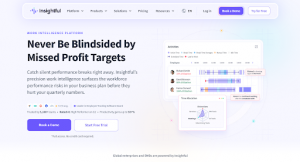
Insightful helps you to map how time spreads across applications automatically, then benchmarks teams or locations against each other, which is useful if you run more than one warehouse or support hub.
That benchmarking is the real selling point. When one location underperforms another, you get a lead instead of a vague feeling.
Key Features:
- Automatic time mapping across apps and websites
- Team-level benchmarks and trend tracking
- Location and department comparisons
- Workload balance reports to catch overload early
Pros:
- Cross-location benchmarking is genuinely valuable
- Built for proactive decisions, not just after-the-fact investigation
- Handles hybrid and fully remote teams equally well
Cons:
- Overkill for businesses operating from a single site
- Price climbs noticeably as headcount grows
Pricing: Starts from $8 per user, per month.
👉 Final Take: Best suited to operations leaders who want data steering real resourcing decisions across more than one site or team.
5. KeepActive
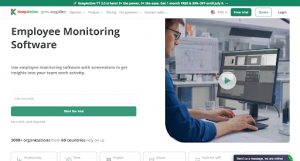
KeepActive is there for situations where an activity log isn’t enough. Session recordings, live activity feeds, and instant alerts give you real-time visibility plus something to look back on.
The efficiency score per employee also gives managers something objective for a one-on-one, rather than a gut feeling.
Key Features:
- Screen recording with searchable playback
- Real-time activity feed
- Per-employee efficiency scoring
- Instant alerts for policy violations
Pros:
- Verifiable records when something needs investigating
- Real-time visibility cuts down on constant check-ins
- Catches problems before they snowball
Cons:
- Screen recording can feel invasive without clear communication upfront
- Built more for compliance-heavy environments than casual small-team use
Pricing: Starts from $9.99 per user, per month.
👉 Final Take: Makes the most sense for stores that have already dealt with a data handling concern or operate somewhere with stricter compliance expectations.
6. DeskTime
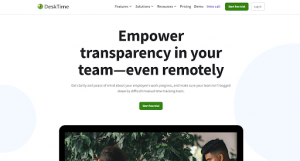
DeskTime sorts time into productive and unproductive automatically based on open applications, no manual timer required. Categories get configured per role, since a support agent’s day looks nothing like a warehouse coordinator’s.
Private time is the detail that changes how a team receives this. Personal breaks don’t drag down a score, and this removes the temptation to resent the whole system.
Key Features:
- Automatic productive and unproductive classification
- Role-based app categorization
- Private time for personal breaks
- Project time tracking with cost calculations
Pros:
- No manual tracking effort required
- Private time genuinely improves how teams accept the tool
- Cost calculations are useful for agencies or service-style operations
Cons:
- Default categories need tuning before the data means anything
- Lighter on security features than CurrentWare or Kickidler
Pricing: Starts from $5.95 per user, per month.
👉 Final Take: A good fit for teams that want automatic scoring without asking anyone to manually log their own time.
👉 Final Take: Strong choice for a fast-growing remote team where the owner needs daily visibility without becoming a full-time manager of managers.
7. ActivTrak
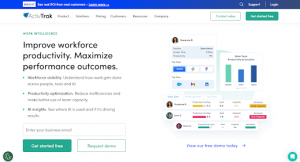
ActivTrak focuses on behavioral patterns and workload balance rather than straightforward surveillance. It tracks trends, flags people who are consistently overloaded before that turns into a resignation, and ties goal-setting to real benchmarks.
For a team running lean through a holiday fulfillment crunch, catching that imbalance early carries real weight.
Key Features:
- Productivity trend analysis over time
- Workload balance and burnout risk reports
- Goal-setting tied to performance benchmarks
Pros:
- Early burnout detection is especially valuable during peak season
- Framed around support rather than suspicion, which fits smaller teams better
- Connects monitoring data directly to performance conversations
Cons:
- Not built for security-heavy use cases
- Costs scale up quickly for larger teams
Pricing: Starts from $10 per user, per month.
👉 Final Take: Best suited to larger e-commerce teams wanting to support staff proactively, particularly around seasonal workload spikes.
Choose the Tool That Solves Your Biggest Operational Challenge
The difference between a team that runs smoothly and one that is constantly firefighting rarely comes down to effort. It comes down to visibility, and the right tool builds that without adding headcount.
Start with whatever’s causing pain right now. Data security around customer information? Time disappearing somewhere unexplained? Workload piling up before peak season? The answer tells you which category to compare within.
Getting your team’s operations in order is only one part of building a Shopify store that scales. The other part is making sure the store itself is working as hard as your team does.
Secomapp has spent years helping over 250,000 Shopify merchants do that, with tools like SearchPie for Search Engine Optimization and site speed, and DECO for product labels and badges that move conversions.
If you’re already tightening up how your team operates behind the scenes, it’s worth exploring what Secomapp’s suite can do for the front end of your store, too.
FAQs
- Does a small Shopify store need these tools?
Depends on the team size. A solo founder doesn’t need them yet. A growing team touching payment data or coordinating remote fulfillment probably does.
- Will this slow down store operations?
No, decent tools run quietly in the background. The real consideration is rolling it out openly, so your team knows what’s tracked.
- Does this help during Black Friday-level crunches?
Yes. ActivTrak and Insightful are particularly good at catching workload imbalance before burnout hits.
- Which one wins if security is the main concern?
CurrentWare and Kickidler are both built around audit trails and access control well beyond simple time tracking.