
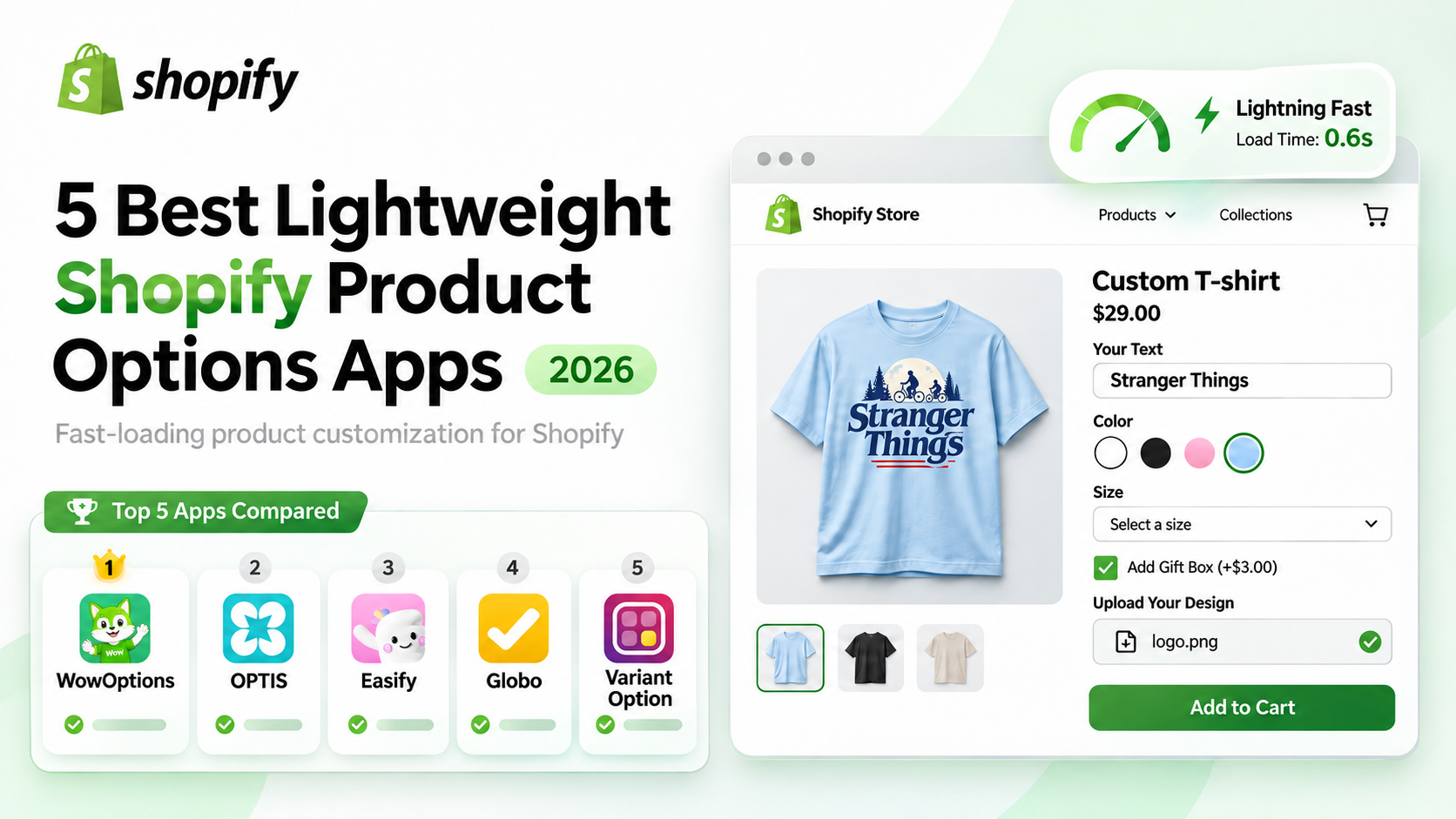
Product customization can make your Shopify store more useful but the app you choose shouldn’t introduce unnecessary loading delays or make product pages difficult to use.
Lightweight Shopify product options apps help merchants add custom text fields, swatches, dropdowns, file uploads and other personalization choices while keeping storefront performance in mind.
But not every product options app uses the same loading approach or handles complex configurations in the same way.
Here are five Shopify product options apps worth considering if you want flexible customization without unnecessary storefront overhead.
What Makes a Shopify Product Options App Lightweight?
A lightweight Shopify product options app should provide the customization features your store needs while minimizing unnecessary scripts, resource loading and processing on the storefront.
According to Shopify’s app performance guidelines, developers should avoid parser-blocking JavaScript, minimize dependencies and load noncritical resources only when required.
For product options apps, four factors deserve attention:
- JavaScript loading: Using deferred scripts can help prevent unnecessary delays during initial page rendering.
- Conditional loading: Loading customization resources only when needed can reduce work on unrelated pages.
- Option responsiveness: Custom fields, swatches and conditional choices should become usable without noticeable delays.
- Interaction stability: Selecting options, updating prices and adding products to the cart should work reliably.
These factors help evaluate an app’s design but they aren’t proof of speed on their own. Actual storefront performance depends on the Shopify theme, installed apps and customization configuration.
Quick Comparison of the Best Lightweight Shopify Product Options Apps
The following apps were selected for their product customization capabilities, suitability for practical merchant workflows and available performance-related information.
| App | Best For | Notable Customization Features | Performance Evidence | Free Plan |
| WowOptions | Lightweight-focused product customization | Reusable templates, swatches, conditional logic, live preview | Team-reported deferred JavaScript and conditional loading | Yes |
| OPTIS | Flexible options and live previews | Custom fields, uploads, add-on pricing, live preview | Documented conditional loading in Storefront V2 | Yes |
| Easify | Ready-made customization templates | 100+ templates, conditional logic, advanced pricing | Built for Shopify designation | Yes |
| Globo | Extensive product option configurations | 30+ option types on Advanced, conditional logic, add-ons | Built for Shopify designation | Yes |
| Variant Option | Custom fields and product add-ons | Text inputs, swatches, uploads, pricing add-ons | Built for Shopify designation | Yes |
How we evaluated these apps: We reviewed official Shopify App Store listings, developer documentation and available competitive research. The performance evidence is not a standardized speed benchmark and the order above should not be interpreted as a measured fastest-to-slowest ranking.
5 Best Lightweight Shopify Product Options Apps
1. WowOptions – Best for Lightweight-Focused Product Customization
WowOptions is a Shopify product options and personalization app designed for merchants who want flexible customization without unnecessarily complicating their storefront.
It supports common customization workflows such as engraving, personalized gifts, custom apparel and print-on-demand products through a no-code option builder.
The app provides text fields, dropdowns, checkboxes, color and image swatches, file uploads, conditional logic and paid product add-ons. Merchants can also create reusable option templates and apply them across multiple products.
What makes WowOptions relevant to lightweight customization?
The WowOptions development team describes its storefront architecture as using deferred JavaScript and conditional resource loading.
These approaches are consistent with Shopify’s performance recommendations because they can reduce unnecessary work during page loading. However, their implementation and comparative impact have not yet been confirmed through a published benchmark.
WowOptions also supports reusable option sets, making it practical for stores that sell multiple products with similar personalization requirements.
Key features:
- No-code product options builder with reusable templates
- Custom text fields, swatches, dropdowns and checkboxes
- Conditional logic for showing relevant product options
- File uploads and additional charges for customizations
- Live product personalization and option grouping on eligible plans
- Free plan for basic customization requirements
What to consider: Advanced conditional logic, live personalization and certain other features require paid plans. Stores using heavily customized themes or complex product builders should test compatibility and performance before launching.
For a closer look at the setup, see our guide to adding custom product options in Shopify.
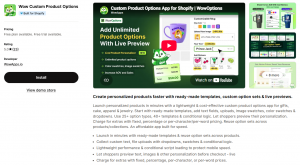
Best for: Merchants looking for a performance-conscious product options solution with reusable customization workflows.
Explore WowOptions on the Shopify App Store.
2. OPTIS – Best for Flexible Product Options and Live Previews
OPTIS Product Options, Variant is a Shopify customization app for stores that need a flexible combination of product options, add-on pricing and visual personalization.
Merchants can configure text inputs, dropdowns, image swatches, file uploads, option groups and conditional choices. The app also supports live previews for selected personalization workflows.
OPTIS is particularly relevant to merchants selling personalized apparel, engraved gifts and products with additional customization charges.
How does OPTIS approach storefront performance?
OPTIS documents a Storefront V2 architecture that loads product-option functionality only where needed, rather than injecting the same scripts across the entire store.
The developer states that this reduces unnecessary JavaScript on unrelated pages. This is a meaningful performance-design consideration, although the documentation does not establish how OPTIS compares with WowOptions in controlled speed tests.
Key features:
- Text boxes, dropdowns, swatches and file uploads
- Conditional logic and grouped product options
- Live product previews
- Product add-ons and additional pricing
- Option editing on the cart page on eligible plans
- Free plan with a limited number of option sets
What to consider: Conditional logic, price add-ons and certain advanced customization features require an upgraded plan. Merchants should also verify which storefront integration version is active.
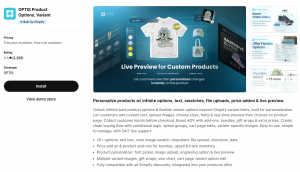
Best for: Stores that need versatile product personalization and live-preview functionality, with documented attention to script loading.
3. Easify – Best for Template-Based Product Customization
Easify Custom Product Options is a Shopify product customization app suited to merchants who want to build product options quickly using ready-made templates.
Its Shopify App Store listing advertises more than 100 templates, covering various customization requirements. Merchants can use these templates as starting points instead of building every configuration from scratch.
Easify supports text fields, image and color swatches, dropdowns, checkboxes, conditional logic and advanced product pricing features.
For example, a gift store can create a personalization flow that lets shoppers select packaging, enter a message and choose additional accessories.
What about performance?
Easify carries Shopify’s Built for Shopify designation, which indicates that it meets the platform’s applicable standards for performance, design and integration.
However, that designation doesn’t establish that Easify is faster or slower than WowOptions. Its actual storefront impact should be checked using a representative product configuration.
Key features:
- 100+ ready-made product option templates
- Free-plan conditional logic for Easify options
- Custom text fields, swatches and dropdowns
- Advanced pricing and add-on functionality on paid plans
- Live product personalization on eligible plans
- Styling options for matching the storefront theme
What to consider: Some advanced features, including live product personalization and specialized pricing capabilities, are restricted to paid plans.
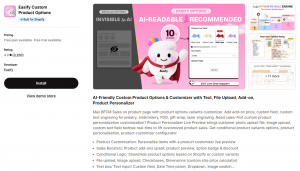
Best for: Merchants who prioritize ready-made templates and want to configure product customization without starting from scratch.
4. Globo – Best for Extensive Product Option Configurations
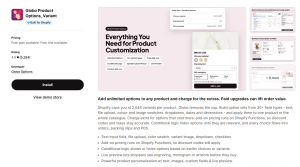
Globo Product Options, Variant is an established Shopify app for merchants managing varied or complex product customization requirements.
Its feature set covers custom text inputs, dropdowns, color swatches, file uploads, conditional logic and additional pricing.
The app also provides more advanced customization capabilities on higher plans, including option groups, live preview and in-cart option editing.
This makes Globo relevant to stores that need multiple customization methods across a broad product catalog.
What about lightweight performance?
Globo carries the Built for Shopify designation, providing a relevant platform-level performance credential.
A historical Shopify merchant review from January 2021 reported slowdowns with a complex configuration involving approximately 20 options and 120 pricing combinations. That report is not evidence of a current, widespread performance issue.
For merchants considering similarly complex configurations, the practical approach is to test option-rendering time, responsiveness and pricing behavior on their own storefront.
Key features:
- Multiple custom option types and reusable configurations
- Conditional logic for displaying relevant choices
- Color and image swatches
- Add-on pricing and file uploads on eligible plans
- CSV import and export on eligible plans
- Advanced personalization and in-cart editing
What to consider: Some features, including price add-ons, file uploads and live personalization, are available only on paid tiers. More complex configurations may also require additional setup and testing.
Best for: Merchants who need a broad selection of product option types and more complex customization configurations.
5. Variant Option – Best for Custom Variant Fields and Add-Ons
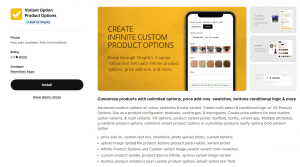
Variant Option Product Options, developed by Relentless Apps, helps Shopify merchants add customization fields beyond standard variant selections.
The app supports text fields, image and color swatches, checkboxes, radio buttons, multi-select options and file uploads.
Merchants can use it for personalized clothing, gifts, engraving and products that require additional customer information before checkout.
Its paid Advanced plan also includes conditional logic and price add-ons, allowing stores to create more sophisticated customization flows.
What about performance and reliability?
Variant Option has Shopify’s Built for Shopify designation, making it a relevant candidate for merchants concerned about app quality and performance.
As with other product options apps, merchants should examine how customization fields load and whether additional charges reach the cart and checkout correctly.
A merchant review from October 2026 raised concerns about add-on price synchronization in a particular storefront setup. The cause was not independently established, so it should not be treated as a general product defect.
Key features:
- Custom text fields and product-option inputs
- Color and image swatches
- File uploads and multi-select options
- Conditional logic on the Advanced plan
- Product option price add-ons on the Advanced plan
- Free plan for one product
What to consider: The free plan is limited to one product and more advanced customization workflows require a paid subscription.
Best for: Merchants who need straightforward custom fields and the ability to add more advanced product options as their store grows.
Which Lightweight Shopify Product Options App Is Right for You?
The right app depends on how much customization your products need and how those options affect the shopping experience.
WowOptions is our leading recommendation for merchants prioritizing a lightweight-focused architecture alongside practical customization features. Its reported deferred JavaScript and conditional loading make it a relevant starting point for stores concerned about unnecessary storefront overhead.
However, other apps deserve consideration for different requirements:
- OPTIS: A strong alternative for merchants who need flexible option configurations and live previews.
- Easify: A practical choice for merchants who want extensive ready-made templates.
- Globo: Suitable for more complex customization requirements involving numerous option types.
- Variant Option: Useful for stores focused on custom fields, swatches and product add-ons.
Before choosing, test the same product configuration on your actual Shopify theme. Check whether the fields become usable promptly, whether selections remain responsive and whether customization charges appear correctly in the cart and checkout.
You can also use Shopify’s storefront performance recommendations to identify loading and interaction issues.
Final Thoughts
A good Shopify product options app should make customization easier without introducing unnecessary friction into the shopping experience.
All five apps offer useful customization capabilities. The meaningful differences involve the features available on each plan, their configuration workflows and the performance evidence supporting their storefront implementations.
If lightweight-focused customization is your priority, WowOptions is a compelling option to evaluate first. Its reported deferred and conditional loading approach aligns with Shopify’s performance recommendations, while its reusable option sets support common personalization workflows.
Try WowOptions for Free on Shopify and test its customization experience on your storefront before committing to a paid plan.